

Stage 2 is a go!

A few months ago when I bought the RGB leaf-switch buttons from Cleveland Software Design I also bought the dual-action versions. Before that I didn’t know that staged flippers even existed!
Staged flippers are a way of engaging the upper flippers on a playfield separately from the bottom/primary flippers. They exist in real pinball machines, and I had no idea. If you press the button halfway or so, only the lower flippers will engage.
I wanted to install them as soon as I got them, but I realized I didn’t have enough inputs available. The PinOne button board is 1-14 and the Service board is 15-22. The main board also has a 23 and 24. I was using 24 for the POV button. This was an easy way to press F12 with a button and bring up the POV/Options menu in VPX.
I was looking at something today and was reminded that I can use a “Shift” button. This is a way to enable a combination of buttons to do an action. One button serves as a “Shift” key, similar to the shift key on a keyboard, and then another button will act as if a different input had been pressed.
I have my shift button set to my left magna save. I changed things so that when I press the shift button and the help button, it presses input 31, which sends F12. This allowed me to remove the physical POV button and meant I now had inputs 23 and 24 open! As a bonus, it also meant I could shift my pause button so that it was easier to close my coin door.
All this wasn’t without its difficulties. It turns out the JST extension cables I have for the buttons swap the colors when they connect. I spent a long time trying different wiring combinations before I discovered this was the problem.
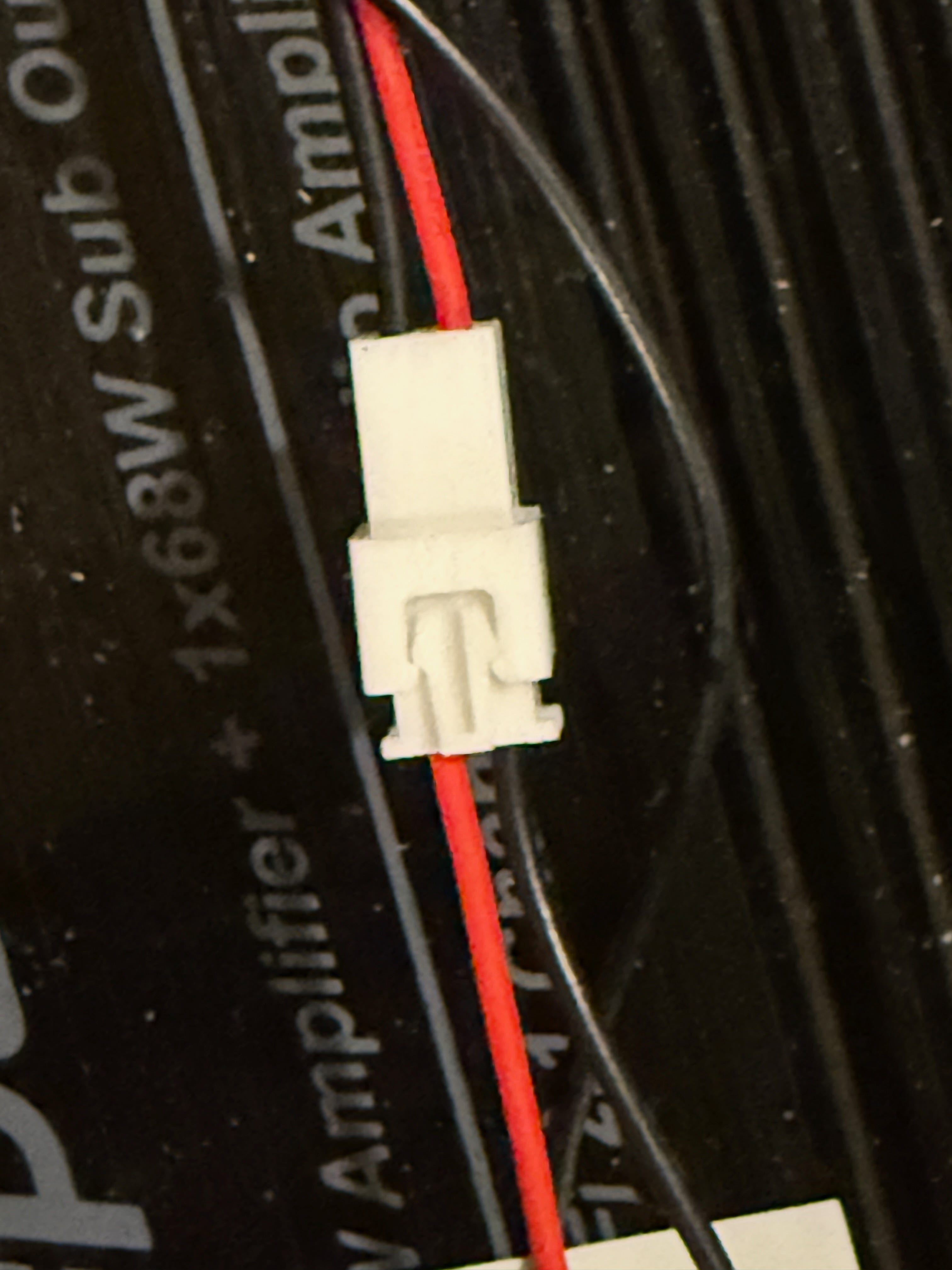
Once I got it figured out though, it wasn’t too difficult. With the PinOne, only one ground is needed so I kept this on the primary flipper. I connected the primary flipper ground to the middle and the primary flipper switch to the first contact. The staged flipper input was connected to the third contact.


Then I followed the instructions on the CSD documentation page to set up the Addams Family table, and it worked great! I’ve also set up the Whirlwind table. I’m going to see what other tables I can find that use this. I thought about editing tables to use it, but realized that just because it has extra flippers doesn’t mean the original machine used staged flippers. I’ve put together a spreadsheet to document which tables use and don’t use staged flippers, as well as what needs to be changed to make it work. I’ve tried updating a couple of scripts that don’t have it directly implemented, but I wasn’t very successful.
Here’s a video of the flippers in action: